
How to Secure a Gaming Account Before You Queue
Learn how to secure a gaming account with strong sign-in habits, phishing checks, recovery protection, and clear rules before you share online access.
In this article7 sections
- How to Secure a Gaming Account: Start With Your Email
- Use Strong Sign-In Protection on Every Platform
- Spot Phishing Before It Takes Your Login
- Protect the Devices You Play On
- Be Careful When You Share Account Access
- Buying or Using Marketplace Accounts Has Extra Risks
- Know What to Do If Something Looks Wrong
A lost gaming account is more than a lost username. It can mean years of skins, rank history, friends, purchases, and progress gone from your control. Learning how to secure a gaming account starts before anything looks wrong: protect the email behind it, tighten your sign-in settings, and treat every login request with suspicion.
How to Secure a Gaming Account: Start With Your Email
Your game account is only as protected as the email address used to recover it. If someone can access that inbox, they can often reset your game password, approve a new device, and change recovery details before you notice.
Use an email address that is not shared with anyone else, then give it a unique password. Do not reuse the password from Steam, Riot, Epic, Discord, PlayStation Network, Xbox, or any other gaming service. Reused passwords turn one unrelated data leak into a route to several accounts.
A password manager is the practical answer here. It creates long, random passwords and saves them for you, so you do not need to remember a different string for every platform. Your master password should be unique and memorable to you, but not based on your gamertag, birthday, favorite champion, or a phrase people could find on social media.
Turn on two-factor authentication for your email first. An authenticator app or passkey is generally a better option than text messages, since phone numbers can be targeted through SIM swaps. Save backup codes somewhere private and offline, not in a screenshot folder or a Discord DM to yourself.
Use Strong Sign-In Protection on Every Platform
Once your email is locked down, enable two-factor authentication on each game launcher, marketplace, console account, and payment account you use. If a platform offers passkeys, they are worth considering. They reduce the chance that a fake login page can collect your password.
Check the recovery phone number and backup email attached to each account. Remove old numbers, school emails, or addresses you no longer control. This takes a few minutes, but it prevents a common recovery problem later: proving ownership through contact details that no longer exist.
It also helps to review active sessions and linked devices. Sign out of computers, browsers, consoles, or mobile devices you do not recognize. If you sold an old console or used a friend's PC at a LAN event, remove that device from your account page instead of assuming it signed out correctly.
Do not share one launcher login across friends or roommates. It may feel convenient when someone wants to try a game, but it makes it impossible to know who changed settings, spent currency, or clicked a suspicious link. Most platforms support family settings, separate profiles, or gifting options that avoid handing over the main account.
Spot Phishing Before It Takes Your Login
Most account theft does not begin with someone guessing a difficult password. It begins with a message that looks close enough to a real one: a tournament invite, free skin offer, trade request, account warning, Discord verification prompt, or a request to vote for a team.
The message usually creates pressure. It may say your account will be locked, that you have been reported, or that you need to log in immediately to claim something. Slow down. Open the official launcher or type the platform address yourself instead of signing in through a message, ad, or search result.
Check the full sender address and the domain in the browser. A familiar logo means very little. Fake pages often copy a platform's design perfectly while using an extra word, odd spelling, or a slightly different domain. Never provide a two-factor code to a person in chat. Legitimate support teams do not need you to send them your current verification code.
Be equally careful with browser extensions, overlays, stat trackers, mod tools, and skin-related sites. Some are legitimate, while others ask for wider access than they need. Before connecting an account, ask what the app can read or change and whether you can remove access later. Review authorized apps every few months and revoke anything you no longer use.
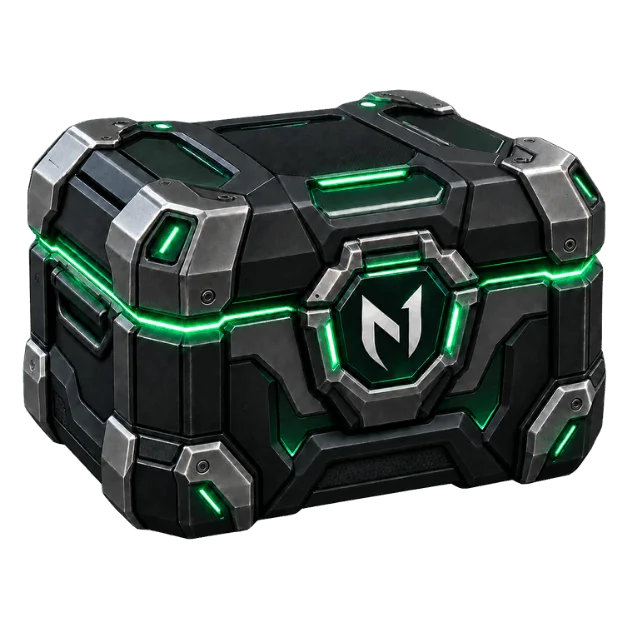
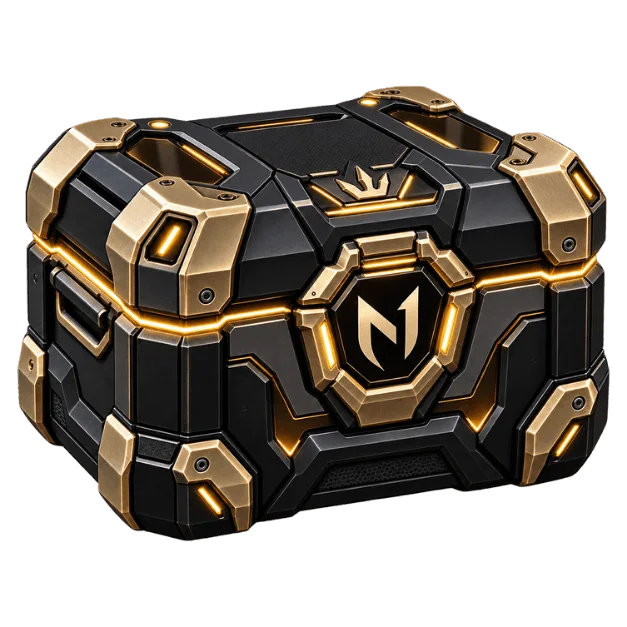
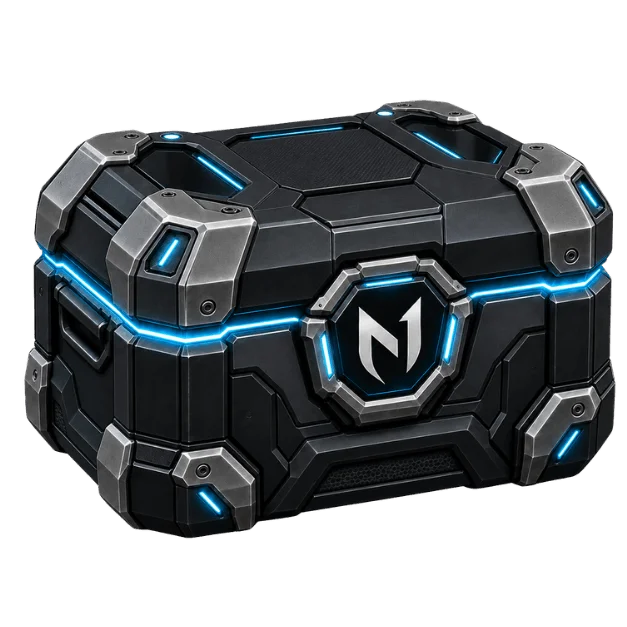
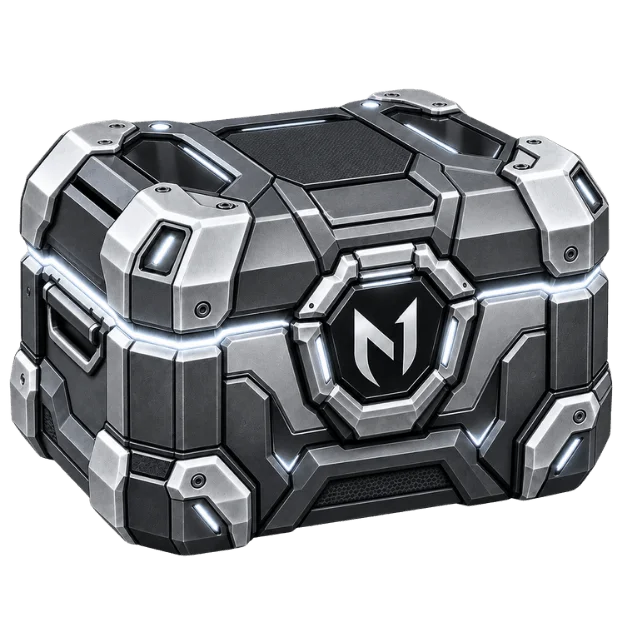
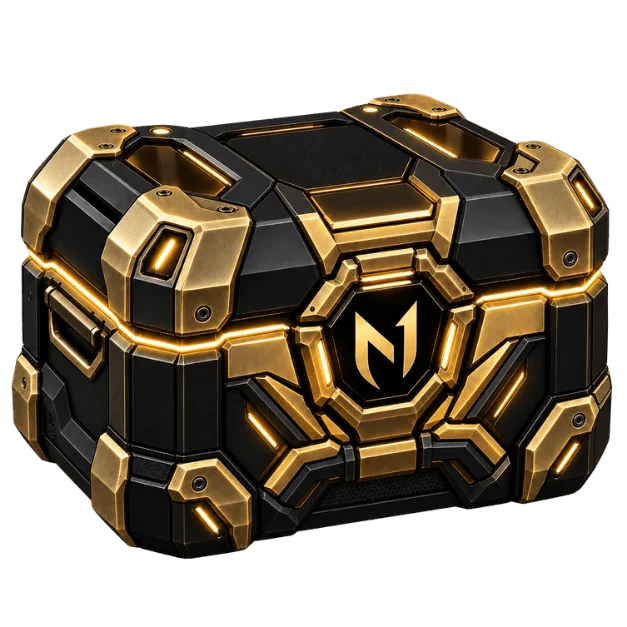
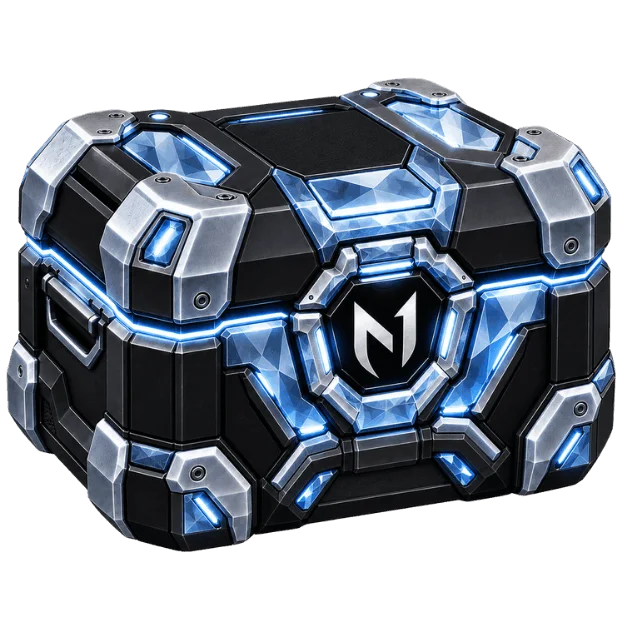
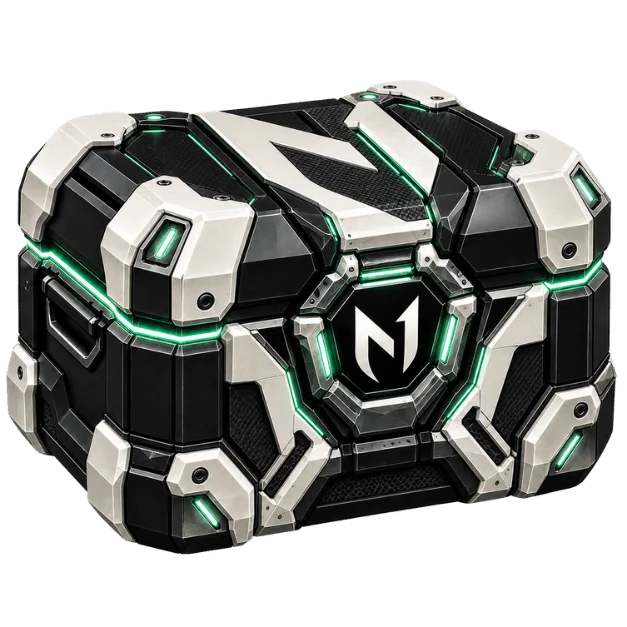
Reward boxes
Open a box, win real rewards
Spend N1 Coins to open a box and win coins, checkout discounts, or a free coaching/boost service.
Protect the Devices You Play On
Strong account settings will not help much if your PC has malware that records what you type. Keep your operating system, browser, launcher, and security software updated. Install games, mods, and tools from sources you trust, and avoid cracked software, cheat tools, and unknown executables shared in group chats.
Shared computers need extra care. Do not save passwords in a browser on a public PC, gaming cafe setup, school computer, or a device used by several people. Sign out fully when you finish, including from the launcher and the browser. Private browsing does not replace a proper sign-out.
On your own PC, use a separate system login if other people use the machine. Lock the screen when you step away. It is basic advice, but a local login left open can let someone change account details faster than any remote attacker.
Be Careful When You Share Account Access
Ranked players sometimes share access for coaching, technical help, or a solo boosting order. That choice has trade-offs. Account sharing and boosting are against the terms of service for most games, and no method removes the risk of enforcement or account issues. Know the rules for the game you play before deciding.
If you choose to share access anyway, keep control of your recovery email, two-factor authentication, and payment details. Do not send login information through plain chat messages, screenshots, or email. Change the password after the work is complete, then review devices, active sessions, connected apps, and recent account activity.
The access method matters too. For solo orders on N1Boost, the booster signs in through the N1App desktop app rather than receiving the customer's login directly. The login is encrypted and deleted when the order ends. That can reduce direct credential exposure, but it does not change the game's rules or make a boosting order risk-free.
Duo queue and coaching are different because you stay on your own account. You still need to protect Discord, your game account, and any payment details. A real coach or support agent should never ask for your email password, recovery codes, or authenticator code.
Buying or Using Marketplace Accounts Has Extra Risks
Game accounts sold through marketplaces can carry account-security complications that do not exist with an account you created yourself. The original owner may still have access to old recovery information, receipts, linked accounts, or the first email used to register it. Game publishers may also restrict account transfers under their terms.
If you use a purchased account, update the password, recovery email, linked phone number, and two-factor settings as soon as the platform allows. Document the transaction and keep communication inside the marketplace system. Still, understand the limit: recovery disputes and game policy enforcement can happen, and changing a password does not erase an account's history.
Know What to Do If Something Looks Wrong
Treat unexpected password reset emails, unfamiliar purchases, changed settings, new friends, or rank activity you did not play as warning signs. Start by changing your email password from a trusted device, then change the game account password and end unknown sessions. Review linked accounts and remove anything unfamiliar.
Next, use the platform's official recovery and support process. Keep useful proof ready, such as purchase receipts, original account details, and prior transaction records. Do not trust people who contact you privately claiming they can recover an account for a fee. That is often a second scam aimed at players already under pressure.
Your account security is not a one-time setup. Check it after changing phones, selling hardware, trying a new third-party tool, or sharing access for any reason. A few deliberate minutes now can protect the rank, inventory, and time you have already earned.
Ready to climb?
Pick a service, set your options and get matched with a verified booster. Secure checkout and 24/7 support.
- VPN and offline mode
- Verified boosters
- 24/7 support