
What Happens After Cancellation of a Boost Order?
What happens after cancellation? Learn how started and unstarted boost orders are reviewed, how progress affects refunds, and what to do next in order chat.
In this article7 sections
A cancellation request can come up at any point: you may need the account back, change your target rank, decide to play the games yourself, or simply place the wrong order. Knowing what happens after cancellation helps you avoid confusion around progress, account access, and refunds.
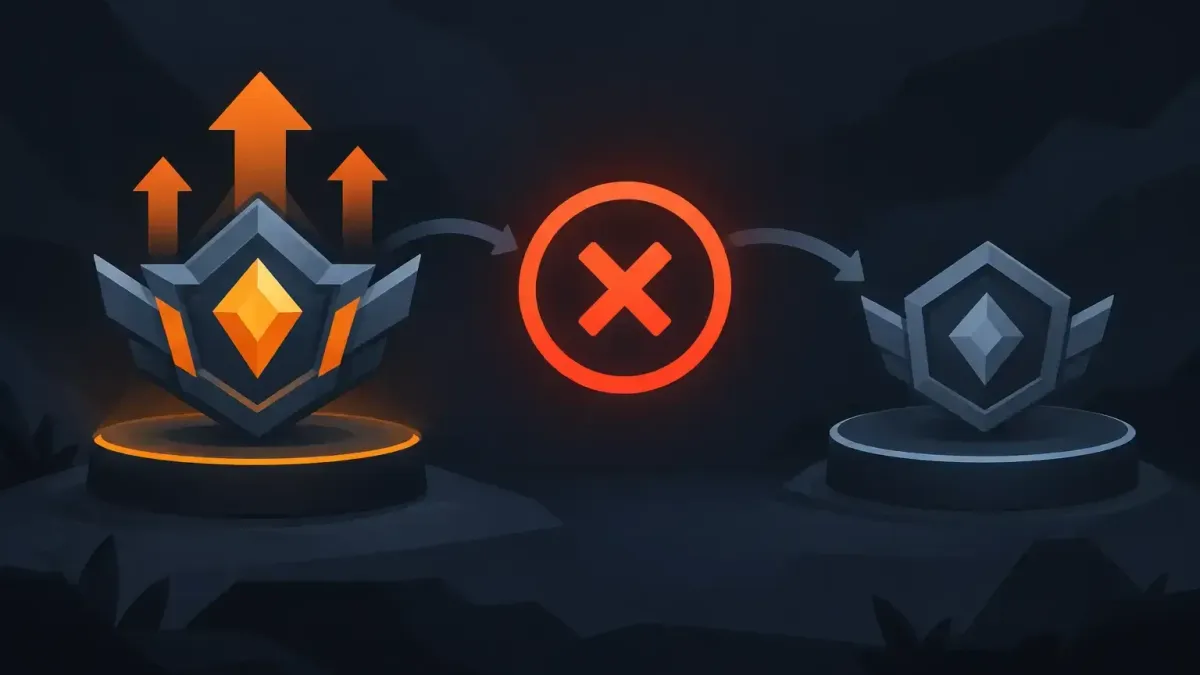
For N1Boost service orders, the main question is whether work has started. An order that has not started can be refunded in full. If a booster has already begun playing or delivering the service, the order can still be canceled, but the refund is calculated around the progress already completed. The fastest way to get a clear answer is to use your order chat or contact 24/7 support.
What Happens After Cancellation Is Requested
Canceling an order is not the same as deleting it from your account. Your order details, selected service, and progress need to be reviewed first so the team can confirm its current status.
If the order has not been assigned or started, the process is simple. Support can confirm that no work was completed and process a full refund under the Refund Policy. This applies whether you ordered a League of Legends rank boost, Valorant placements, Fortnite wins, Rust services, or another available service.
If the order is in progress, support checks what has been delivered. That might mean rank progress, completed wins, placement matches played, games completed, coaching time used, or work completed on a Rust or Wardogs order. The remaining, unfinished part of the order is what may be eligible for a partial refund.
The exact amount depends on the service and the actual progress, not only on how long the order has been open. A booster may have completed several games in a short session, while another order may be waiting because of queue times, server availability, or instructions in the order chat.
Unstarted Orders: Full Refunds
An unstarted order is the clearest cancellation case. If no booster or coach has started the work, the order can be canceled for a full refund.
This is why it helps to contact support as soon as you know you need to cancel. Do not assume that an order is untouched just because you have not seen a recent chat message or rank update. Open your order page, check the status, and write in the order chat. If you need the account for your own games, say that directly.
You should also avoid changing your account details or starting competitive games while the cancellation is being handled unless support tells you otherwise. Keeping the account state clear makes it easier to verify where the order stands.
A full refund is based on the order not having started, not on the reason for cancellation. You do not need to create a complicated explanation. A short, clear request gives support what it needs to check the order quickly.
Started Orders: How Partial Refunds Work
Once work has started, part of the service has already been delivered. In that case, cancellation does not erase the progress made on the account. The refund is based on the unfinished portion of the order.
For a rank boost, the review considers the progress toward the selected rank. For a net wins or win boost, it considers completed wins and the remaining target. For placement services, it considers the matches already played. For coaching, it may consider completed sessions, VOD feedback, or other agreed deliverables.
The same principle applies to services that are measured differently. An Apex Legends kills boost is reviewed against kills completed. A Marvel Rivals hero proficiency order is reviewed against the progress delivered. A Rust rent-a-booster order is based on time already used and work performed. The order configuration matters because it defines what you purchased in the first place.
This is not a flat formula that can be guessed from the checkout total. Game results, rank movement, service type, and completed work all matter. Support can give you the correct outcome after reviewing the live order record.
If the progress looks different from what you expected, ask for clarification in the order chat. Keep the question specific. For example, ask which matches were completed, what rank progress was recorded, or which part of the requested service remains. Clear questions lead to clear answers.
Reward boxes
Open a box, win real rewards
Spend N1 Coins to open a box and win coins, checkout discounts, or a free coaching/boost service.
What You Should Do Before the Order Stops
If you want to cancel, send the request through the order chat first. This creates a direct record for the booster and support team. State that you want the work paused or canceled, and mention whether you need to access the account immediately.
For solo boosting orders, do not change passwords, login details, or account settings before the order is formally stopped unless support instructs you to do so. The booster connects through the N1App desktop app and does not see your login. Your login is encrypted and deleted when the order ends. Changing access details mid-process can make it harder to verify the account state and close the order cleanly.
Duo orders are different because you are playing with the booster. Let the booster know in chat that you are no longer available. If you want to continue later rather than cancel completely, ask support whether the order can be adjusted. That depends on the service, current progress, and the change you need.
You can also ask whether switching to a different service makes more sense than canceling. A player who no longer wants a solo rank boost may prefer coaching, duo queue, or a smaller target. That is not always possible after work has started, but it is worth asking before assuming the only option is a full cancellation.
Account Privacy After a Canceled Solo Order
Account handling is often the biggest concern after cancellation. On solo orders, the N1App is used so the booster can sign in without seeing your login. The login is encrypted and deleted when the order ends.
If you use Offline Chat + VPN, make sure support knows that the order should be stopped before changing those settings. The goal is not to leave an active session unclear while a cancellation is being reviewed.
Remember that boosting is against most games' terms of service. No boosting method is risk-free. Canceling an order does not change that fact, and it does not reverse matches or progress that were already completed. If you are unsure about continuing, it is better to pause and ask questions before more games are played.
Marketplace Account Orders Are Different
Game accounts listed on the marketplace are sold by independent sellers, so their cancellation process can differ from a boosting or coaching order. Do not assume the refund rules for an unstarted rank boost automatically apply to a marketplace purchase.
If you have an issue with a marketplace order, contact support with the order number and explain the situation clearly. Avoid making account changes or attempting to resell the account while the issue is under review. The relevant order details and marketplace terms determine what options are available.
A Clear Request Makes the Process Easier
You do not need to overthink a cancellation request. Say that you want to cancel, ask whether the order has started, and explain if you need immediate access to the account. Then wait for confirmation before making changes that could interrupt the order.
If your plans changed but your goal did not, ask about adjusting the order instead. A smaller target, a different service, or a later restart may fit better than losing momentum entirely. Either way, the order chat is the best place to get a direct answer based on your actual progress.
Ready to climb?
Pick a service, set your options and get matched with a verified booster. Secure checkout and 24/7 support.
- VPN and offline mode
- Verified boosters
- 24/7 support