
Account Security for Boosting and Account Trades
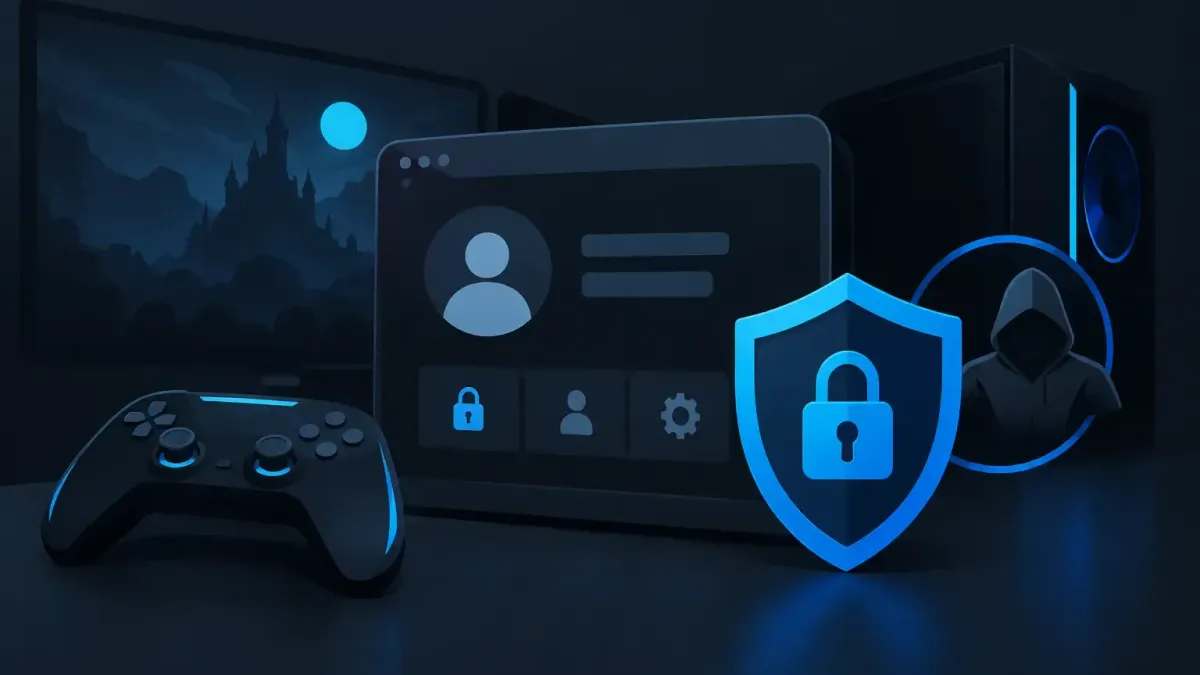
Account security matters when you buy a boost or game account. Learn how access, privacy, communication, and recovery settings should be handled clearly.
In this article6 sections
A ranked account holds more than LP, RR, skins, and match history. It may be tied to your email, payment details, console profile, and years of progress. That is why account security should be part of the decision before you place a boost order or buy an account from a marketplace.
The goal is not to pretend there is no risk. Boosting is against most games' terms of service, and no boosting method is risk-free. Good account handling reduces unnecessary exposure. It also gives you clear control over who can access your account, what information they can see, and what happens when the order is finished.
Account security starts before checkout
Start by using an email address you control and can recover. Your game account, marketplace payments, and recovery settings are only as secure as the email behind them. Use a unique password for that email and turn on its available two-factor authentication.
Avoid sharing account details through random DMs, Discord servers, or screenshots. A real order should have a defined service page, a visible price before payment, and an order chat where you can follow the work. If someone asks you to move the conversation to an unverified channel or pay outside the normal checkout flow, stop and check with support first.
You should also know exactly what you are buying. A rank boost, placement service, net wins order, and coaching session do not need the same level of access. Duo queue and coaching let you play on your own account, so you keep direct control of the login. A solo boost requires account access, which makes the provider's access process more relevant.
How account access should work on a solo boost
For solo orders at N1Boost, the booster signs in through the N1App desktop app. The booster does not see the customer's login details. Login information is encrypted and deleted when the order ends. This setup is designed to limit direct exposure of your credentials rather than passing a password from person to person.
That does not mean you should ignore the order once it begins. Use the order chat to confirm instructions, follow progress, and ask questions about pauses or changes. Keep order-related messages in that chat, where support can review them if something needs to be checked.
Before the booster starts, give clear instructions that affect your account. For example, tell them which queue or region applies to the order and whether you want Offline Chat + VPN switched on. Do not provide unrelated personal details, payment information, email passwords, or recovery answers. A boosting order needs game access and service instructions, not your full digital life.
There is a practical trade-off with two-factor authentication. It is useful protection, but it can create a login approval step during access. Follow the instructions provided for your order and only approve requests you recognize as part of that process. Do not post authentication codes in public channels or send them to someone claiming to be support without verifying the request inside your order.
Do not make mid-order changes without saying so
Changing your password, email, region settings, or two-factor authentication setup while a solo order is active can interrupt access and delay progress. If you need to make a change, pause and speak to support through the live chat or order chat first.
The same applies to playing ranked matches yourself during a solo order. It can affect the requested target, current rank, and progress tracking. If you want to take over for a session, communicate it before you queue.
Protect the parts people forget
Most account problems are not caused by the game password alone. They start with an exposed email inbox, an old device session, or a recovery method that no longer belongs to the player.
After an order is complete, review the security page for both your game account and its connected email. Change your password if that is appropriate for the account and confirm that the recovery email and phone number are yours. Check for unfamiliar linked accounts, active sessions, or authorized devices, then remove anything you do not recognize.
Keep your account recovery details private. Security questions, backup codes, and identity documents should not be placed in a general chat. If a provider needs verification for a specific support case, use its stated process and ask support when the request is unclear.
It also helps to separate convenience from access. Saving logins on a personal, secured device may be reasonable. Saving them on a shared PC, internet cafe machine, or a friend's console is a different situation. Sign out after use, especially on devices that are not fully yours.
Reward boxes
Open a box, win real rewards
Spend N1 Coins to open a box and win coins, checkout discounts, or a free coaching/boost service.
Buying a game account adds another layer
Marketplace account security is different from ordering a boost on an account you already own. When you buy a game account from an independent seller, you are evaluating the listing, the account details, and the transfer process. You should read the listing carefully and avoid assumptions about skins, rank, platform connections, or included access.
Once an account is transferred, update the credentials and recovery information as the platform allows. Confirm that the email tied to the account is under your control before treating the transfer as complete. Keep the order record and relevant messages in the marketplace system rather than moving the deal to a private payment method.
There are limits here. Some game publishers restrict account sales or transfers in their terms, just as they restrict boosting. A purchased account can carry policy and recovery risks that do not disappear because the listing looks complete. Consider whether the account is worth that trade-off before you buy.
Never reuse your main email password on a purchased account. If a game account becomes compromised, a unique password helps contain the damage instead of handing over access to your inbox, social accounts, or payment services.
Choose communication that leaves a record
Clear communication is a security feature. It prevents confusion over targets, order status, and who is handling your request. Use the service's official order chat for booster communication and its live chat for support questions. N1Boost provides 24/7 live chat, which is useful when you need to verify an unexpected request rather than guessing.
Be cautious with messages that create pressure. A support agent should not need your email password, banking login, or unrelated verification codes to discuss a boost. If a message feels off, do not continue the conversation in that channel. Open the official site yourself and contact support from there.
Keep screenshots of important order details for your own records, including the selected service, target, and progress discussion. Do not include passwords or private codes in those screenshots. Records are most useful when they document the order without creating another copy of sensitive data.
Account security after the order
When the order ends, take a few minutes to regain full control. Review the result, check your account's login and recovery settings, and make sure no device or connection remains that you do not recognize. This is also a good time to update an old password or remove outdated recovery options.
If something does not match the order details, report it through the proper support channel before making a string of changes that makes the issue harder to trace. Orders that have not started can be refunded in full under the Refund Policy. Started orders may be canceled for a partial refund based on progress, so check the policy and ask support about the current order state.
The strongest habit is simple: keep your login, your recovery email, and your communication under your control. A boost can help with the climb, but your account is still yours to manage long after the last match is played.
Ready to climb?
Pick a service, set your options and get matched with a verified booster. Secure checkout and 24/7 support.
- VPN and offline mode
- Verified boosters
- 24/7 support