
Are Coaching Sessions Private? What Players Should Know
Are coaching sessions private? What your coach can access, how recordings work, and how to set clear boundaries before you start a session with any coach.
In this article7 sections
You may be about to share a rough VOD, screen share your ranked games, or talk through mistakes that you would rather not show to your duo. So, are coaching sessions private? Usually, they can be, but privacy is not automatic. It depends on the coaching platform, the tools used, whether the session is recorded, and the boundaries you set before the first review.
A good coach needs enough information to understand your gameplay. They do not need unrestricted access to your account, personal messages, payment details, or every part of your computer. Knowing the difference helps you get useful feedback without oversharing.
Are coaching sessions private by default?
A one-on-one coaching session is generally intended to be private between you and the coach. That does not necessarily mean it is confidential in the same legal sense as a conversation with a doctor or attorney. Gaming coaches may use third-party tools such as Discord, a replay site, screen-sharing software, or a coaching platform. Each tool can have its own settings and data rules.
The practical question is simple: who can see, save, or join the session?
If you are in a private voice channel with only your coach, sharing a VOD or your game client, the session is limited to the people in that channel. But if the coach records the call, streams it for training, sends clips to another analyst, or brings in another coach, the session is no longer strictly one-to-one. None of those situations are automatically wrong. They should be clearly discussed first.
For most players, the best setup is a private call, a private VOD review, and direct feedback in chat. If you want a coach to review your match history or live gameplay, give access only to what is needed for that session.
What a coach may need to see
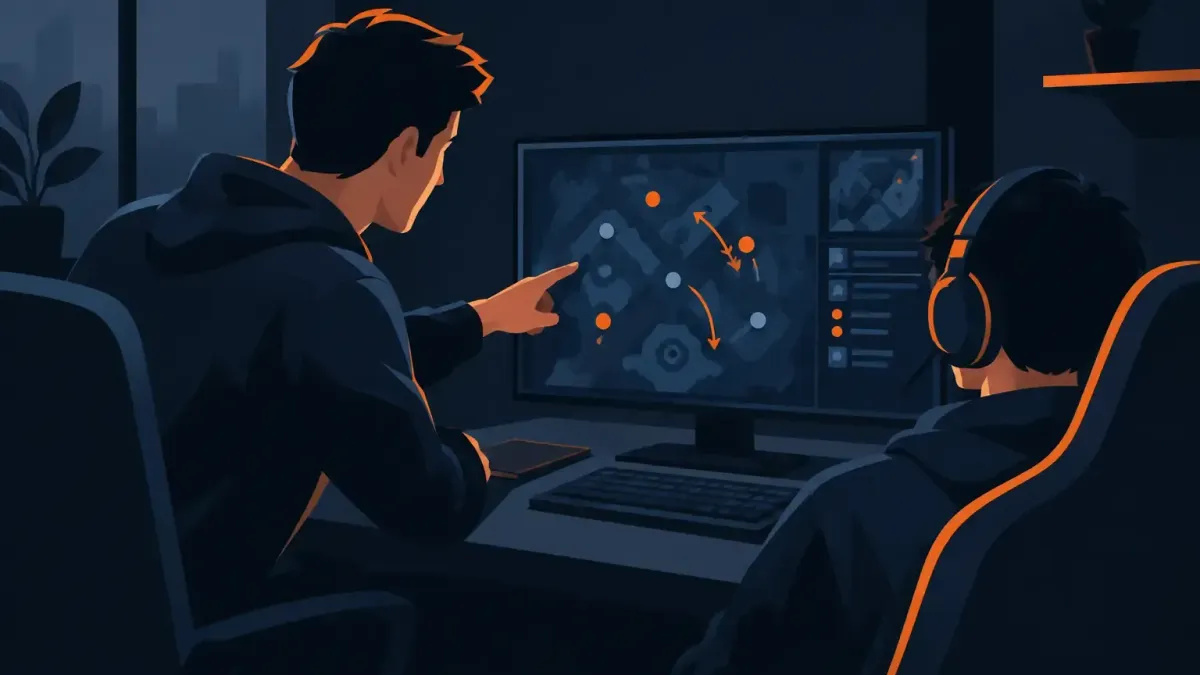
Coaching works better when the coach can see the decisions behind your rank, not just the final scoreboard. For League of Legends or Wild Rift, that may mean lane trades, wave states, vision, recalls, objective setups, and teamfight positioning. For Valorant or CS2, it may mean crosshair placement, utility use, comms, economy decisions, and how you react after first contact.
That can be done through a replay, a VOD, or a live screen share. In many cases, a coach does not need your login at all.
If account access is part of the plan, stop and ask why. A coach may need to view specific in-game pages, but you should understand exactly what access they need, for how long, and whether you can remain present while they do it. Never share your password in a Discord message or direct chat just because a person says they are a coach.
At N1Boost, solo boosting orders use the N1App so the booster does not see the customer's login. Coaching is a different service, so confirm the setup for your specific session before you start. A coaching session should focus on your gameplay and improvement plan, not on asking for access that does not fit the work.
Recording changes the privacy question
A recording can be useful. You can rewatch a VOD review, revisit a practice routine, or check the coach's notes before your next ranked session. But it also creates a copy of the conversation and whatever was on screen.
Ask about recording before the call begins. You want clear answers to three things: whether the session will be recorded, who can access the recording, and how long it will be kept. If you do not want a recording, say so directly. If you are fine with one for your own review, ask for it to remain private and not be used in clips, examples, or group training without your permission.
The same applies to your VODs. A match replay can expose your summoner name, Riot ID, Steam name, friends list, party invites, direct messages, or browser notifications if you recorded your full desktop. Before sharing a file, watch the opening and closing minutes. Trim anything personal, or record only the game window next time.
Live screen sharing needs a quick cleanup
Screen sharing is useful when you want real-time help with settings, replay review, or decision-making. It can also reveal more than you expect in one notification.
Close email, private chats, account pages, and browser tabs before you share. Turn on Do Not Disturb. Use a game-window share instead of sharing your entire desktop when the option is available. These small steps keep the session focused on your gameplay rather than whatever pops up in the corner of your screen.
Reward boxes
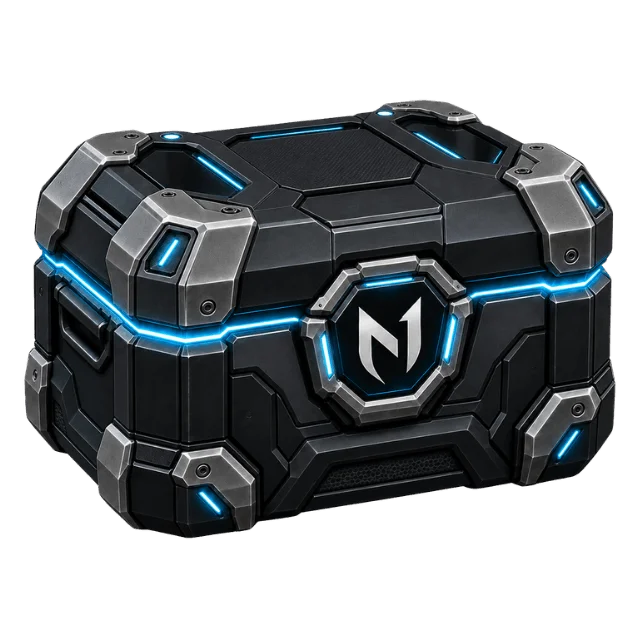
Open a box, win real rewards
Spend N1 Coins to open a box and win coins, checkout discounts, or a free coaching/boost service.






Set boundaries before your first coaching session
You do not need a formal contract to establish basic boundaries. A short message before the session is enough. Tell the coach whether they can record, whether you are comfortable with another coach joining, and whether they can keep your VOD after the review.
You can also be specific about the type of feedback you want. Some players only want gameplay analysis. Others want a full climb plan with champion or agent choices, practice goals, matchup work, and VOD homework. Clear expectations make the session more useful and reduce awkward surprises.
For example, you could say: “I am happy to share this VOD and screen share the replay client. Please do not record the call or use the VOD outside this session. I want feedback on my early-round decisions and mid-game positioning.”
That gives the coach enough direction to prepare without giving them open-ended permission.
Privacy is also about how feedback is handled
Private does not only mean hidden. It also means being treated with respect.
A coach may point out repeated mistakes, bad habits, missed timings, or poor comms. That is part of coaching. The useful version is specific: what happened, why it was a problem, what you should do differently, and how to practice it. Getting flamed for your rank, your aim, or one bad game is not coaching.
There is a trade-off here. Honest feedback can be blunt, especially in competitive games. If you want direct reviews, say that. If you are returning after a break or are new to ranked, tell the coach you want the feedback organized into a few priorities instead of a long list of errors. A strong coach adjusts the delivery without avoiding the truth.
Questions to ask before you book
Before paying for a session, get the privacy details in writing through the order chat or the platform's messages. Ask whether the session is one-on-one, whether it will be recorded, and whether your VOD or clips can be retained after the review.
Also ask what you need to provide. A coach might request a replay link, a recorded match, your rank and role, or a short list of goals. Those are normal requests. Passwords, email access, payment information, or access to unrelated accounts are not needed for standard VOD feedback or live coaching.
If coaching takes place on Discord, use the platform's privacy settings. Limit direct messages if you prefer, avoid posting personal details in public servers, and keep the session in the agreed private channel. Save the order chat and any session notes so you have a clear record of what was agreed.
Coaching, duo queue, and account sharing are different
Players sometimes group all paid help together, but privacy needs change based on the service.
Coaching should center on teaching you how to play better. You are usually present, asking questions, reviewing games, and applying the plan yourself. Duo coaching or duo queue may involve playing with the coach, so they can see your in-game performance and communicate live. A solo boost is different again because someone else plays on the account, and it carries account-security and game terms-of-service considerations.
Most game publishers prohibit or restrict boosting and account sharing, so no method is risk-free. If your goal is improvement without handing over the account, coaching or duo play may fit better. That does not make every coaching setup private by default, but it gives you more control over what you share and when.
A worthwhile coaching session should leave you with clearer decisions for your next games, not uncertainty about where your VOD, screen share, or personal details ended up. Ask the privacy questions early, share only what the coach needs, and keep the focus where it belongs: improving your play.
Ready to climb?
Pick a service, set your options and get matched with a verified booster. Secure checkout and 24/7 support.
- VPN and offline mode
- Verified boosters
- 24/7 support