
Do Boosters See Passwords? Account Access Explained
Do boosters see passwords? Learn how N1App account access works for solo orders, what a booster can view, and how to keep your login private throughout.
In this article7 sections
If you are considering a solo rank boost, “do boosters see passwords” is the right question to ask before you place an order. Your game account is personal. It holds your rank history, cosmetics, friends list, and sometimes years of progress. You should know exactly how access works, what the booster can see, and what remains private.
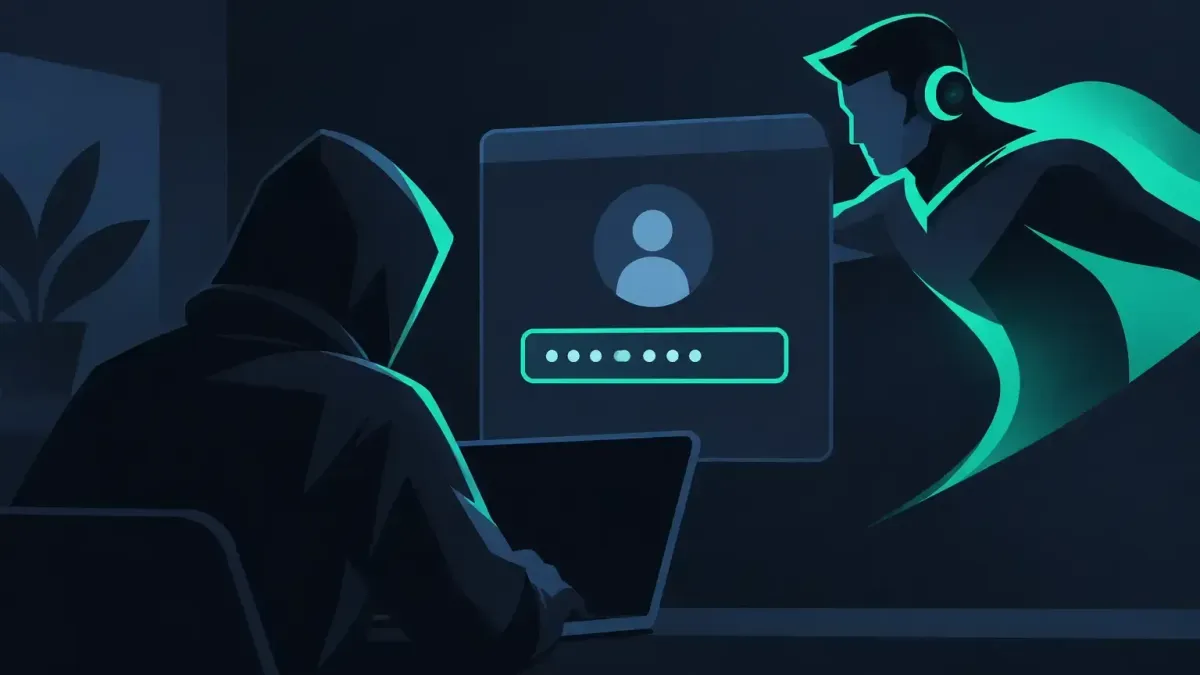
For N1Boost solo orders, the booster does not receive your game login or password. They sign in through the N1App desktop app, which gives them access to the account without showing them the credentials. Your login is encrypted and deleted when the order ends.
That does not mean a booster sees nothing. To play games on your account, they can see what is visible inside the game while they are completing the order. The key difference is that they are not given the password needed to log in directly, change your account details, or keep accessing the account after the order is complete.
Do Boosters See Passwords on Solo Orders?
No. On an N1Boost solo order, your booster does not see your account password. The N1App handles the sign-in process, so the booster can launch and play on the account without being shown the login details.
This matters because a password is not just a way to enter one game. Many players reuse credentials across services, even though it is better not to. Keeping the password out of the booster’s hands limits what they can do outside the specific access needed for the order.
The app-based setup is designed for solo services where someone needs to play matches on your account. That includes services such as League of Legends rank boosts, Valorant placements, TFT win boosts, CS2 Premier games, Apex rank boosts, Fortnite ranked boosts, and similar account-played orders.
Once the order is finished, the stored login data is deleted. The booster does not get a copy to save, and they do not keep an open invitation to sign back in later.
What a Booster Can See While Playing
Password privacy and in-game privacy are two different things. A booster cannot see your credentials through the N1App, but they can see the account as it appears in the game during the order.
That can include your current rank, match history, champions or agents, loadouts, cosmetics, in-game friends, and game messages that are visible on screen. If the game displays a piece of information to the signed-in player, assume it may be visible to the booster while they play.
For that reason, it is smart to do a quick account cleanup before a solo boost. Remove anything from your game profile or chats that you would not want another player to see. You do not need to overthink it, but basic account hygiene is worth a minute.
Your payment details are not part of the game login flow. A booster is there to complete the configured service, not to access your checkout information or manage your N1Boost account settings.
How the N1App Login Process Works
The practical flow is simple. You place your order, select the service options, and follow the account-access instructions for the solo order. The N1App handles the encrypted login connection. The booster then uses that controlled access to play the required matches.
You can follow progress through the order chat. This is where you can check in, share relevant preferences, and see how the climb is going. If something needs attention, such as a schedule change or an in-game issue, keep communication inside the order chat so there is a clear record.
Some players prefer to enable Offline Chat + VPN. These options can be switched on for an order if they fit your preferences. They do not remove the fact that a booster must play on the account for a solo service, but they give you more control over how the order is handled.
The booster is ID-verified and plays by hand. N1Boost does not use bots, scripts, or cheats to complete orders. That is an important distinction for players who want actual matches played rather than automated activity.
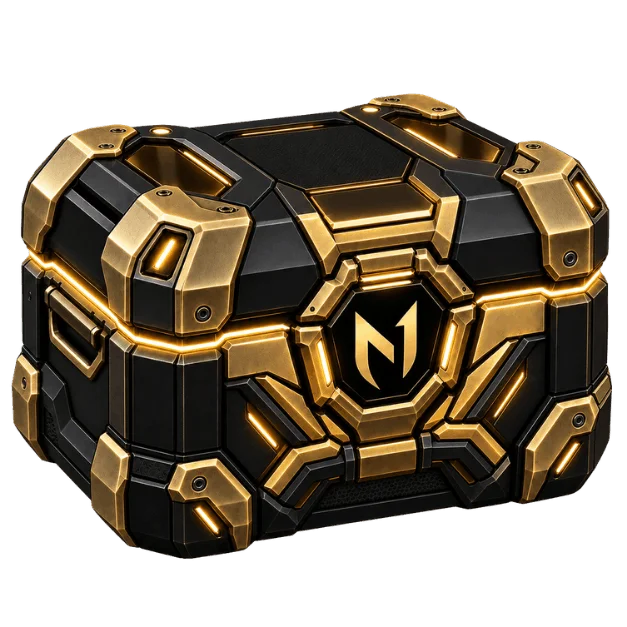
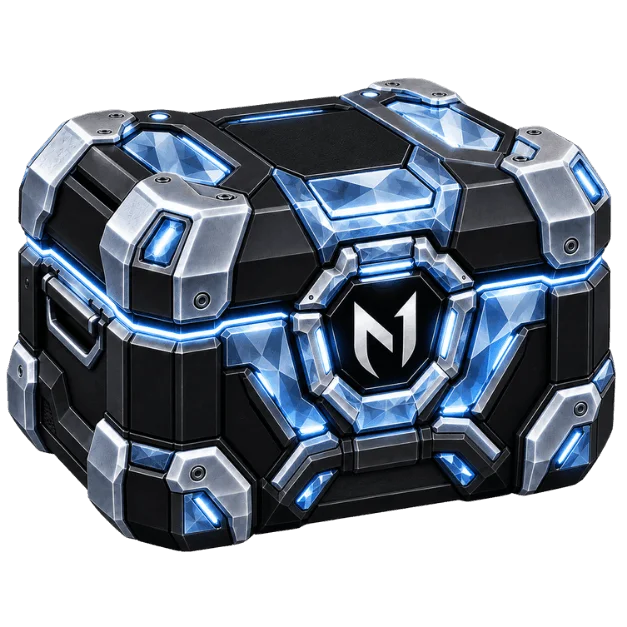
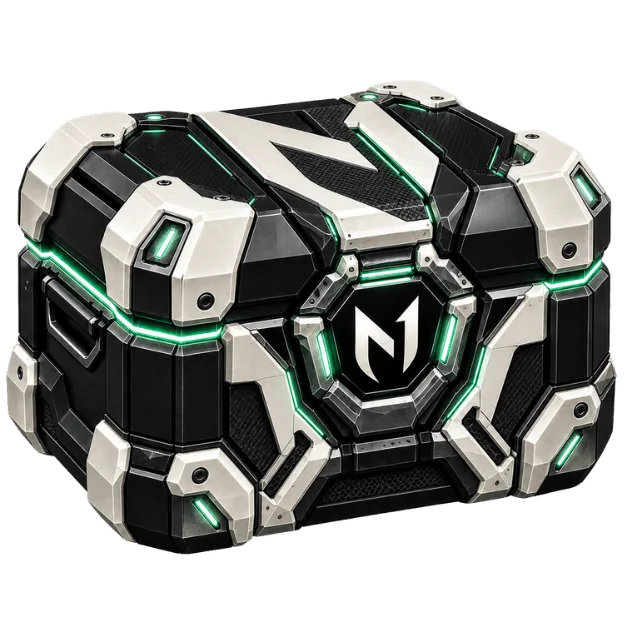
Reward boxes
Open a box, win real rewards
Spend N1 Coins to open a box and win coins, checkout discounts, or a free coaching/boost service.
Duo Boosting and Coaching Need No Account Password
If you do not want anyone playing on your account, choose a duo service or coaching instead of a solo boost where the game supports it.
With duo boosting, you play on your own account alongside the booster. You keep full control of your login because you are the one signing in and queueing with them. This works for supported services in games such as League of Legends and Valorant. CS2 services do not have a duo option, so check the service page before building your order.
Coaching also does not require a booster to log into your account. You play, while the coach helps you review decisions, improve your routine, and work toward a clearer climb plan. Depending on the coaching setup, that can include one-on-one sessions, VOD feedback, Discord Q&A, and practice guidance.
These options are not identical to a solo carry service. A duo booster can help you compete while you play, and coaching helps you improve your own results over time. A solo boost is for players who want the matches completed on the account. Pick the format that matches your comfort level, time, and goal.
Steps Worth Taking Before You Start
Even with password-hidden access, you should treat any account-played service carefully. Use a unique password for your game account and turn on the account security options offered by the game publisher. A unique password is good practice whether you order a boost or not.
Before the order begins, check that your account has no active restrictions that could interrupt play. Make sure the selected server, current rank, target rank, or number of wins is correct. If you have preferences about champion pools, agents, roles, queue times, or communication, state them clearly in the order chat.
It also helps to avoid making account changes while the booster is playing. Logging in from another device, changing settings, or queuing at the same time can disrupt the session and make progress harder to track. If you need to access the account, message first and coordinate it through the chat.
After the order ends, review the completed progress and sign in normally yourself. If you want extra peace of mind, you can change your game password afterward. The booster did not receive it through N1App, but changing it is still a reasonable personal security habit.
Account Access Does Not Remove Game Policy Risk
Private credentials are one part of the decision. The other is the game’s rules. Boosting is against the terms of service of most competitive games, and no boosting method is risk-free.
A hand-played order avoids bots, scripts, and cheats, but it does not change a publisher’s policy on account sharing or rank manipulation. Players should understand that trade-off before ordering, rather than assuming any service can remove all account risk.
If avoiding account sharing is your main priority, duo boosting or coaching may be a better fit where available. You still get help with games, decision-making, or climbing, but you remain on your own account throughout the session.
A Clear Answer Before You Order
For N1Boost solo orders, boosters do not see your password. They access the account through N1App, while your login is encrypted and deleted after the order ends. They can see the in-game account while completing the work, so keep that distinction in mind.
The best choice is the one you are comfortable with: solo boosting for account-played progress, duo queue for shared games, or coaching when you want to build the skills to handle the climb yourself.
Ready to climb?
Pick a service, set your options and get matched with a verified booster. Secure checkout and 24/7 support.
- VPN and offline mode
- Verified boosters
- 24/7 support